 Nine
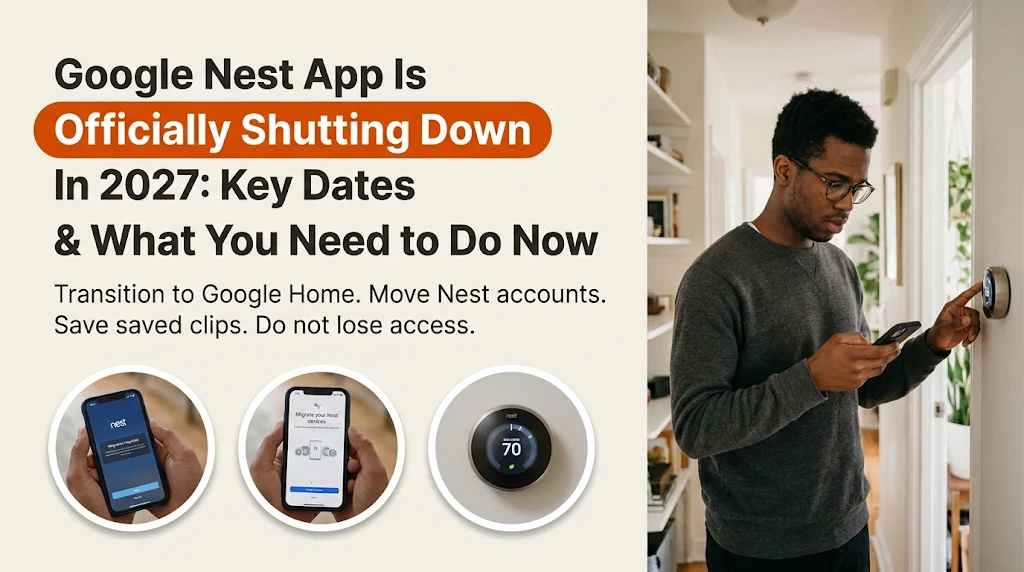
If you have been holding onto the standalone Google Nest app to check your doorstep camera or tweak the thermostat, the clock is officially ticking. Google has announced a hard retirement date for the classic app across Android, iOS, TV, and the web, formally closing the chapter on one of the smart home era’s longest-running platforms.
Starting January 25, 2027, the Google Nest app and home.nest.com will shut down for good. All supported Nest hardware is moving permanently under the Google Home app roof—and Google isn’t stopping there. In the same announcement, the company confirmed that classic Google Assistant will be pulled from smart speakers and smart displays later in 2027 to make room for Gemini for Home.
Before panic sets in over your expensive cameras and thermostats, the good news is that no currently supported hardware is being bricked. Still, there are three strict deadlines you cannot afford to miss—especially if you have saved video clips or an older unmigrated account.
Mark Your Calendar: The 3 Major Google Smart Home Deadlines
| Date | What Is Happening | Action Required |
| January 25, 2027 | Google Nest app shuts down on Android, iOS, TV, and home.nest.com. | Download manually saved video clips beforehand; switch to the Google Home app. |
| March 25, 2027 | Final deadline to migrate legacy Nest accounts to a Google Account. | Migrate before this date or risk permanent deletion of your Nest account data. |
| August 2, 2027 | Google Assistant retires on smart speakers and smart displays. | Devices transition to the Gemini for Home voice assistant. |
What Happens to Your Nest Devices and Subscriptions?
For most households, the actual hardware move should happen with very little friction. Starting January 25, 2027, Google will automatically transfer all actively supported devices, schedules, and settings from the Nest app into the Google Home app.
Here is what moves over cleanly:
- Thermostats: 3rd- and 4th-gen Nest Learning Thermostats and the Nest Thermostat E keep remote temperature controls, schedules, room sensors, and Energy History. (Note: 1st- and 2nd-gen Nest Learning Thermostats already lost remote app support back in October 2025, though manual wall controls remain unaffected.)
- Cameras & Doorbells: Live HD feeds, two-way talk, Activity Zones, Familiar Face alerts, Quiet Time, Zoom and Crop, and regular event or 24/7 video history transfer automatically.
- Safety & Security: Nest Protect (2nd gen) retains emergency alerts, Sound Check, and Hush, while the Nest x Yale Lock keeps remote locking, unlocking, and passcode controls.
- Nest Aware (1st Gen): Subscribers on older Nest Aware (1st Gen) plans will automatically roll over to Google Home Premium (Advanced tier) starting January 25, 2027, at no additional cost and without needing to re-enter payment details right away.
Moving into Google Home also unlocks access outside your phone. You will be able to pull up live camera feeds or adjust home temperatures from Android and iOS widgets, smartwatches, TVs, Android’s Home Panel, smart displays, and the web dashboard at home.google.com, alongside thousands of third-party Matter devices.
3 Steps You Should Take Before January 25, 2027
While Google is handling device transfers automatically, two specific things will not fix themselves. Knock out this checklist early so you aren’t scrambling in January:
- Download Your Custom Video Clips Immediately: Regular event history and 24/7 timelines will move to Google Home, but manually saved custom clips on
home.nest.comwill not transfer. Log intohome.nest.comon a browser before January 25, 2027, and use Google’s one-click “Download All” button to back up any clips you want to keep. - Migrate Any Legacy Nest Account: If you set up your Nest app after August 19, 2019, you are already signed in with a Google Account and are all set. If you still log in with an old standalone Nest email and password, migrate it to a Google Account before January 25 to avoid losing remote access—and strictly before March 25, 2027, when Google begins deleting unmigrated account data.
- Install and Test the Google Home App: Download the latest Google Home app from the Play Store or App Store and sign in. Your Nest devices should surface automatically on the Favorites tab, giving you time to adjust your layout and notification settings before the old app goes dark.
Google Assistant Is Next: Hello, Gemini for Home
Alongside the Nest app shutdown, Google confirmed that classic Google Assistant will retire on smart speakers and smart displays on August 2, 2027, replaced entirely by Gemini for Home.
Unlike the rigid phrasing Google Assistant often required, Gemini for Home handles natural speech, mid-sentence corrections, and multi-step follow-up questions with context memory. If you are in a supported region and want to try it ahead of the August cutoff, open the Google Home app, tap your profile icon, head to Home Settings, and tap Get Started on the “Set up Gemini for Home” banner (or visit [home.google.com/gemini](https://home.google.com/gemini)).
Just keep one major caveat in mind before tapping that button: upgrading a home to Gemini for Home is a one-way switch. Once activated for your household, you cannot roll back to the classic Google Assistant.
Frequently Asked Questions
When does the Google Nest app stop working?
The standalone Google Nest app officially shuts down on January 25, 2027, across Android, iOS, TV apps, and the home.nest.com website.
Will my Nest cameras and thermostats stop working after the shutdown?
No. All currently supported Nest cameras, doorbells, thermostats (3rd gen, 4th gen, and Thermostat E), Nest Protect (2nd gen), and Nest x Yale Locks will keep working and transfer automatically to the Google Home app.
Do I lose my saved Nest camera videos?
Your standard event history and 24/7 recordings transfer automatically to Google Home. However, custom manually saved clips stored at home.nest.com will not transfer, so you must download them using the “Download All” button before January 25, 2027.
What happens if I don’t migrate my old Nest account to a Google Account?
After January 25, 2027, you won’t be able to control your devices remotely through the retired app. If you fail to migrate a legacy Nest account by March 25, 2027, Google will begin permanently deleting that account’s data.
The end of the Google Nest app has been years in the making, and longtime fans who prefer its streamlined camera timeline will certainly feel the sting of saying goodbye. Still, getting your custom clips backed up today and easing into the Google Home app ahead of schedule ensures your smart home won’t miss a beat when January 2027 arrives.

You May Also Like

Supplemental Security Income November Payout: Payment Date and Amount
- By
Nine
Android Devices Showing January 2027 Update
- By