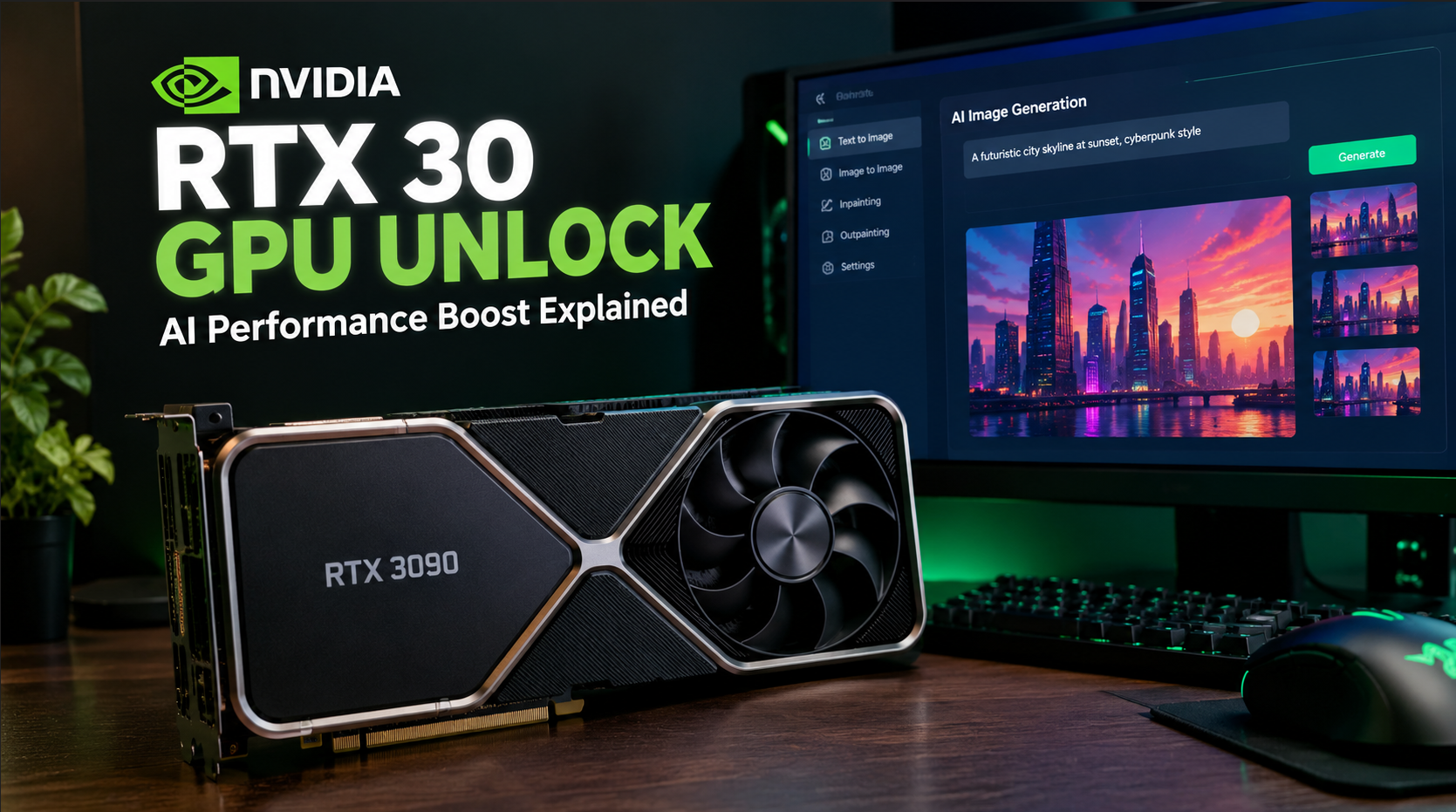
A new NVIDIA RTX 30 GPU unlock mod is attracting attention after community benchmarks revealed substantial improvements in certain AI computing workloads on older GeForce graphics cards. The open-source project, known as GPU Unlock, aims to remove a limitation affecting specific Tensor Core calculations on NVIDIA’s Ampere-based RTX 30 Series GPUs.
Early test results are impressive. In one published benchmark, an RTX 3090 Ti achieved approximately 80% higher BF16 matrix multiplication throughput after the modification. Other tests have reported significant gains in particular AI image-generation and machine-learning workloads.
However, there is an important distinction: the modification does not make every RTX 30 graphics card 80% faster, and it has not been shown to deliver comparable improvements in ordinary gaming performance.
The project targets particular mathematical operations used in artificial intelligence, rather than increasing the number of CUDA cores or the card’s memory bandwidth.
Here’s how the NVIDIA RTX 30 GPU unlock mod works, which graphics cards may benefit, what the benchmarks show, and what users should know before experimenting with it.
What Is the NVIDIA RTX 30 GPU Unlock Mod?
GPU Unlock is an experimental, open-source project developed by a programmer known as Zagitta. Its purpose is to increase the instruction-issue rate of certain Tensor Core operations on supported NVIDIA Ampere GPUs.
Tensor Cores are specialised processing units designed to accelerate mathematical operations used in AI, machine learning and other computational workloads.
These operations are particularly important for applications such as local large language models, AI-assisted image generation and neural-network calculations.
According to the project’s documentation, certain FP16 and BF16 operations that accumulate results in FP32 run at a reduced instruction-issue rate on consumer Ampere graphics cards compared with the rates available on certain professional NVIDIA GPUs.
GPU Unlock attempts to remove that restriction for supported operations.
The project is notable because it does not require permanently flashing a modified video BIOS, commonly called a VBIOS, onto the graphics card. Instead, its Linux implementation uses a kernel module that runs before the standard NVIDIA driver initialises the GPU.
The module modifies relevant hardware speed-selection registers and resets the GPU before allowing the unmodified NVIDIA driver to take control.
This approach builds on earlier research involving NVIDIA’s CMP cryptocurrency-mining hardware.
However, GPU Unlock is an unofficial modification. Its existence and published benchmarks should not be interpreted as an endorsement by NVIDIA or a guarantee of compatibility with every RTX 30 graphics card.
Which NVIDIA RTX 30 Graphics Cards Are Supported?
The project targets GPUs based on NVIDIA’s Ampere architecture, which powers the GeForce RTX 30 Series.
Its documentation identifies the GA102 and GA104 chip families for the original Linux implementation. Broader reporting has also discussed GA103 and GA106 devices, although support and testing evidence vary by chip and individual card.
The distinction between a GPU architecture and a specific graphics card model matters because not every card has been independently tested.
| Graphics card | What to know |
|---|---|
| GeForce RTX 3090 Ti | Published community benchmarks show substantial improvements in selected matrix calculations. |
| GeForce RTX 3090 | Community reports describe gains in selected AI and matrix-computation workloads. |
| GeForce RTX 3080 Ti | Some tests show improvements, but results are not universal across variants. |
| GeForce RTX 3080 | Community reports describe higher throughput in certain Tensor Core calculations. |
| GeForce RTX 3070 | Compatibility has been reported for some configurations; performance gains depend on the workload. |
| GeForce RTX 3060 | It belongs to the broader Ampere family, but compatibility should be checked against the project’s supported-device information. |
This table is not a guarantee that every card listed can use the modification successfully. GPU chip revisions, firmware, operating system configuration and driver initialisation can affect compatibility.
The project’s original documentation should be treated as the primary reference for supported hardware, rather than assuming that every RTX 30 model is ready for the modification.
NVIDIA RTX 30 GPU Unlock Mod Benchmarks: How Much Faster Is It?
The most interesting results involve matrix multiplication, a fundamental operation used in many AI workloads.
According to benchmark figures published with the project and reported by technology publications, an RTX 3090 Ti operating at a 450-watt power limit achieved the following results.
| Benchmark | Before modification | After modification | Reported improvement |
|---|---|---|---|
| FP16 matrix multiplication | 87.46 TFLOPS | 118.39 TFLOPS | Approximately 35% |
| BF16 matrix multiplication | 87.50 TFLOPS | 157.41 TFLOPS | Approximately 80% |
| TF32 matrix multiplication | 42.58 TFLOPS | 82.61 TFLOPS | Approximately 94% |
These results demonstrate why the modification has attracted interest among AI developers and hardware enthusiasts.
However, they require context.
The figures come from a specific dense matrix multiplication benchmark using FP32 accumulation. They are not measurements of overall graphics performance, and the improvements should not be applied directly to gaming frame rates or every AI application.
Different numerical formats and workloads use GPU hardware differently. An application that does not benefit from the affected operations may show little improvement.
The figures also represent reported benchmark results rather than an independent guarantee of performance on every RTX 3090 Ti.
What do TFLOPS mean?
TFLOPS stands for trillions of floating-point operations per second. It is a measure of computational throughput under particular conditions.
A higher TFLOPS result can indicate that a GPU performs a specific mathematical workload more quickly.
However, TFLOPS alone cannot predict how quickly a complete application will run. Real-world performance also depends on memory bandwidth, software optimisation, data movement, CPU performance and other bottlenecks.
For this reason, the benchmark results are best understood as evidence of increased throughput in particular calculations, not proof that the entire graphics card has become almost twice as fast.
Can the GPU Unlock Mod Improve AI Image Generation?
AI image generation is one of the more promising potential applications.
Tools such as ComfyUI can use NVIDIA Tensor Cores to accelerate operations involved in generating images with supported AI models.
Community testing on an RTX 3090 Ti has reported approximately 47% to 59% higher throughput across selected BF16-heavy image-generation workloads after applying GPU Unlock.
The actual benefit depends on the model, precision settings, workflow and hardware configuration.
For someone generating images locally, a meaningful improvement could reduce the time required to complete a batch of images.
However, users should not assume that every image-generation workflow will become faster by the same percentage.
Different models may use different numerical formats, and some workflows may be limited by memory capacity, memory bandwidth or operations that do not benefit from the modification.
Anyone evaluating the tool should compare the same workflow before and after modification, using consistent settings and repeated measurements.
What About Running Local AI Models and LLMs?
Local large language models are another potential use case for the NVIDIA RTX 30 GPU unlock mod.
Some users run language models directly on their own computers rather than relying entirely on cloud-based AI services.
An RTX 3090 with 24GB of VRAM, for example, can be useful for experimenting with local AI models, depending on the model size, quantisation and application requirements.
GPU Unlock may improve certain operations involved in processing model inputs, but that does not mean every stage of text generation will become faster.
It is important to distinguish between two parts of LLM inference.
Prompt processing: This is the stage in which the model processes the input prompt and builds the information needed to generate a response.
Token generation: This is the stage in which the model generates the response one token at a time.
Community reports have described improvements in prompt-processing throughput, while token-generation performance has sometimes remained nearly unchanged.
This difference makes sense because token generation can be limited by memory bandwidth rather than raw Tensor Core computing throughput.
Consequently, someone who spends considerable time processing long prompts may benefit more than a user whose main concern is the speed at which a model generates text.
The result will depend on the model, software framework, numerical precision and hardware configuration.
Does the NVIDIA RTX 30 GPU Unlock Mod Increase Gaming FPS?
This is one of the biggest questions surrounding the project, but the answer requires caution.
There is currently insufficient evidence to conclude that GPU Unlock delivers a meaningful, general improvement in gaming FPS.
The modification targets specific Tensor Core instruction rates associated with AI calculations. Traditional game rendering relies on a combination of CUDA cores, specialised hardware, memory bandwidth, graphics pipelines and other resources.
Although some modern games use AI-assisted technologies, that does not automatically mean they will benefit from this particular modification.
NVIDIA’s Deep Learning Super Sampling, or DLSS, uses AI-related GPU capabilities in supported configurations. However, it would be incorrect to assume that unlocking particular Tensor Core operations automatically makes DLSS faster or improves every game’s performance.
To establish a gaming benefit, testers would need to compare supported games before and after modification, using consistent settings and repeatable benchmarks.
Until convincing results are available, RTX 30 owners should view GPU Unlock primarily as an experimental AI-computing modification rather than a gaming performance upgrade.
It should also not be confused with separate community projects designed to enable newer DLSS or frame-generation features on older graphics cards. Those projects modify different parts of the software stack and have their own compatibility limitations.
Does GPU Unlock Require a Modified NVIDIA Driver or BIOS Flash?
One of the project’s main attractions is its approach to modifying the GPU.
The original Linux implementation does not require users to flash a permanently modified VBIOS onto the graphics card or use a patched NVIDIA graphics driver.
Instead, the kernel module runs before the standard NVIDIA driver binds to the GPU. It changes the relevant hardware speed selectors and performs a function-level reset before the normal driver takes over.
This is different from traditional BIOS modification, where users write altered firmware to a graphics card’s flash memory.
However, avoiding a permanent BIOS flash does not make the modification risk-free.
The software changes how the GPU is initialised during the boot process. Incorrect configuration, incompatibilities or unexpected firmware behaviour can cause problems that require troubleshooting.
The project documentation also makes clear that the module must run at the correct point in the initialisation process. Loading it after the NVIDIA driver has already taken control of the card will not perform the intended unlock.
Users should therefore read the project’s documentation carefully before considering installation.
Is GPU Unlock Available on Windows?
The original GPU Unlock implementation is designed for Linux.
That matters because many RTX 30 owners use Windows as their primary gaming or workstation operating system.
An experimental Windows implementation has also been reported, using a UEFI-based approach rather than the original Linux kernel module. Community documentation describes a successful RTX 3090 test on a specific system.
However, a successful demonstration on one hardware configuration does not establish broad compatibility with Windows computers.
The experimental Windows approach should not be treated as a mature, universally supported replacement for the Linux project.
Compatibility can depend on the exact graphics card, motherboard firmware, boot configuration and other system-specific requirements.
Windows users should avoid assuming that a Linux installation guide applies to their computers. They should also avoid running unfamiliar firmware tools or prebuilt executables without verifying their origin and understanding the recovery requirements.
For most users, waiting for broader compatibility testing and more independent benchmarks is the safer approach.
Is the NVIDIA RTX 30 GPU Unlock Mod Safe?
GPU Unlock is an experimental low-level modification, so it deserves more caution than installing an ordinary desktop application.
The fact that its source code is publicly available is useful because technically experienced users can inspect how it works. Nevertheless, open-source availability alone does not guarantee that a particular build, download or third-party package is safe.
Potential concerns include:
- Boot and initialisation problems: The module must execute at the correct stage of the boot process.
- Hardware compatibility: A configuration that works on one GPU may not work on another.
- Driver and kernel interactions: Changes to the operating system or driver environment may affect compatibility.
- Troubleshooting complexity: Recovering from a failed configuration may require Linux bootloader or initramfs knowledge.
- Unverified downloads: Third-party installers and repackaged binaries may introduce risks unrelated to the original project.
The project documentation includes a way to disable the unlock configuration by removing its kernel command-line option. However, users should understand the recovery process before enabling a low-level modification.
Anyone experimenting with the tool should back up important files, retain a working boot option and avoid using a production machine that cannot tolerate downtime.
If the computer is needed for work, study or other essential tasks, waiting for more independent testing may be the better decision.
Is GPU Unlock Worth Trying on an Older RTX 30 Graphics Card?
The answer depends on what you use the graphics card for.
For AI developers
GPU Unlock is worth watching if your workload relies heavily on the FP16 or BF16 operations targeted by the project.
The reported improvements could be meaningful for certain matrix calculations, AI inference tasks and image-generation workflows.
However, benchmark the specific application you use before deciding whether the modification offers a practical advantage.
For local AI enthusiasts
Owners of higher-end Ampere cards may find the project interesting, particularly if they run local language models or generate images on their own computers.
The greatest value may come from workloads that benefit from faster prompt processing or particular matrix calculations.
If token generation or memory bandwidth is the main bottleneck, the improvement may be much smaller.
For PC gamers
Gamers should be more cautious about expectations.
There is not yet convincing evidence that GPU Unlock produces a general improvement in gaming frame rates. Installing it solely to increase FPS is therefore difficult to justify.
Gamers interested in experimental DLSS and frame-generation modifications should evaluate those projects separately.
For everyday computer users
Most everyday applications will not benefit from a specialised Tensor Core unlock.
If you mainly browse the internet, watch videos, edit documents or play games that do not use the affected operations, the modification may provide little practical value.
How to Follow the Project and Verify Compatibility
The most reliable place to start is the original project’s documentation rather than third-party download pages or social media claims.
Before attempting anything, check the following:
- Confirm the exact GPU model and chip family.
- Review the project’s current compatibility information.
- Read the installation and recovery documentation for your Linux distribution.
- Check whether the exact workload you use has published benchmark results.
- Look for reports from independent users with comparable hardware.
- Verify that any downloaded source code or package comes from a trusted project repository.
The original project is available on GitHub, where users can review its source code, documentation and reported benchmark results.
Do not assume that a successful benchmark on an RTX 3090 Ti proves the same performance gain on an RTX 3060 or another card.
Likewise, do not interpret a successful installation as proof that the modification is stable across every workload.
Final Verdict: An Interesting AI Upgrade, but Not a Universal Performance Boost
The NVIDIA RTX 30 GPU unlock mod is an interesting development for owners of Ampere-based graphics cards, particularly those using their hardware for local AI and computational workloads.
Its reported improvements in selected matrix calculations are substantial, and community tests suggest that some image-generation and prompt-processing tasks may also benefit.
However, the results are workload-dependent. The modification does not add CUDA cores, increase memory bandwidth or automatically improve every AI application.
It also has not been shown to deliver a general increase in gaming FPS, and the original Linux implementation remains an experimental low-level modification that requires careful attention to compatibility.
For AI enthusiasts who understand the risks, GPU Unlock is a project worth following. For ordinary gamers and users who depend on a stable computer, waiting for broader testing and more independent results is the more sensible option.
The bottom line: GPU Unlock may help certain RTX 30 graphics cards perform particular AI calculations much faster, but it should not be mistaken for a universal GPU performance upgrade.